





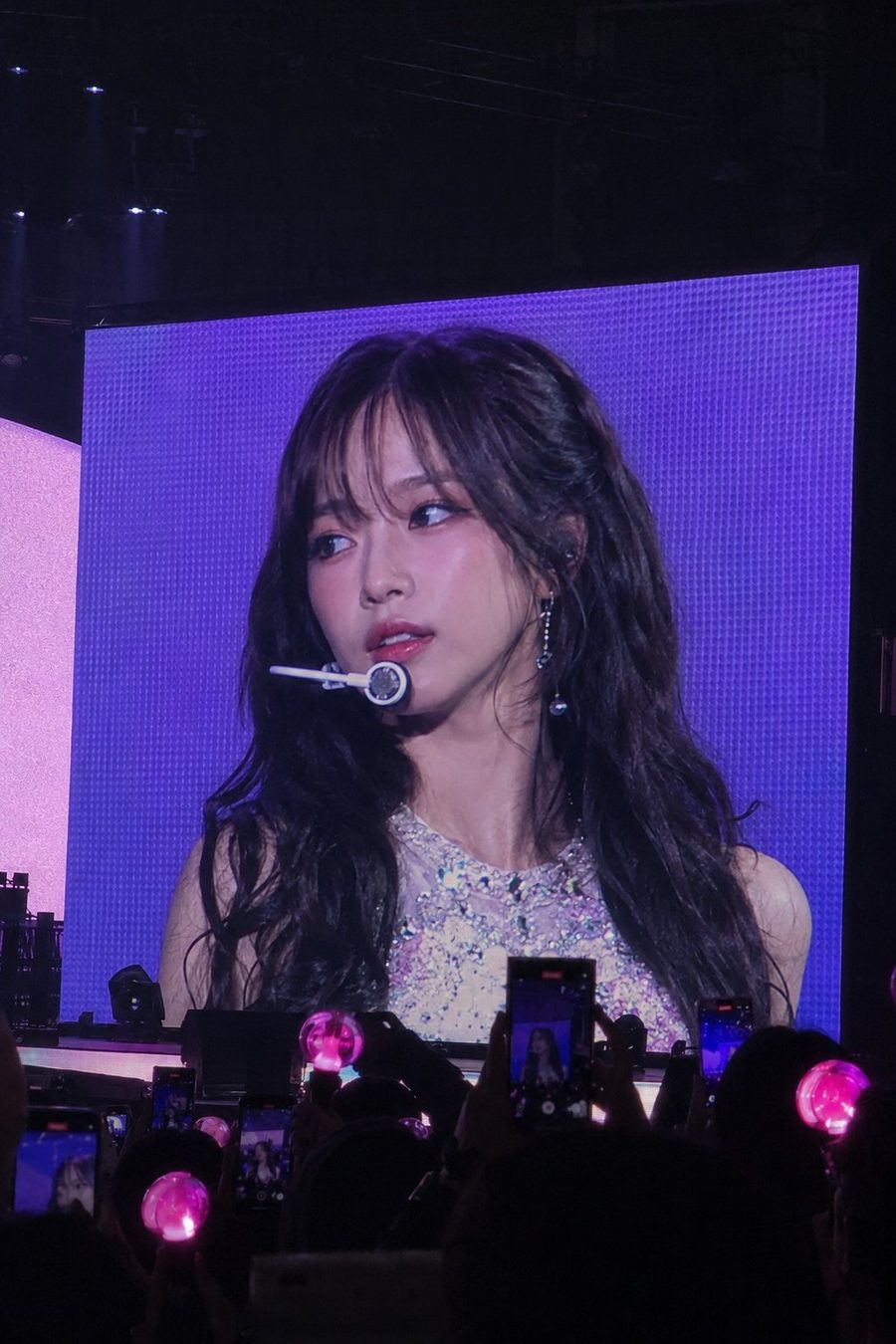
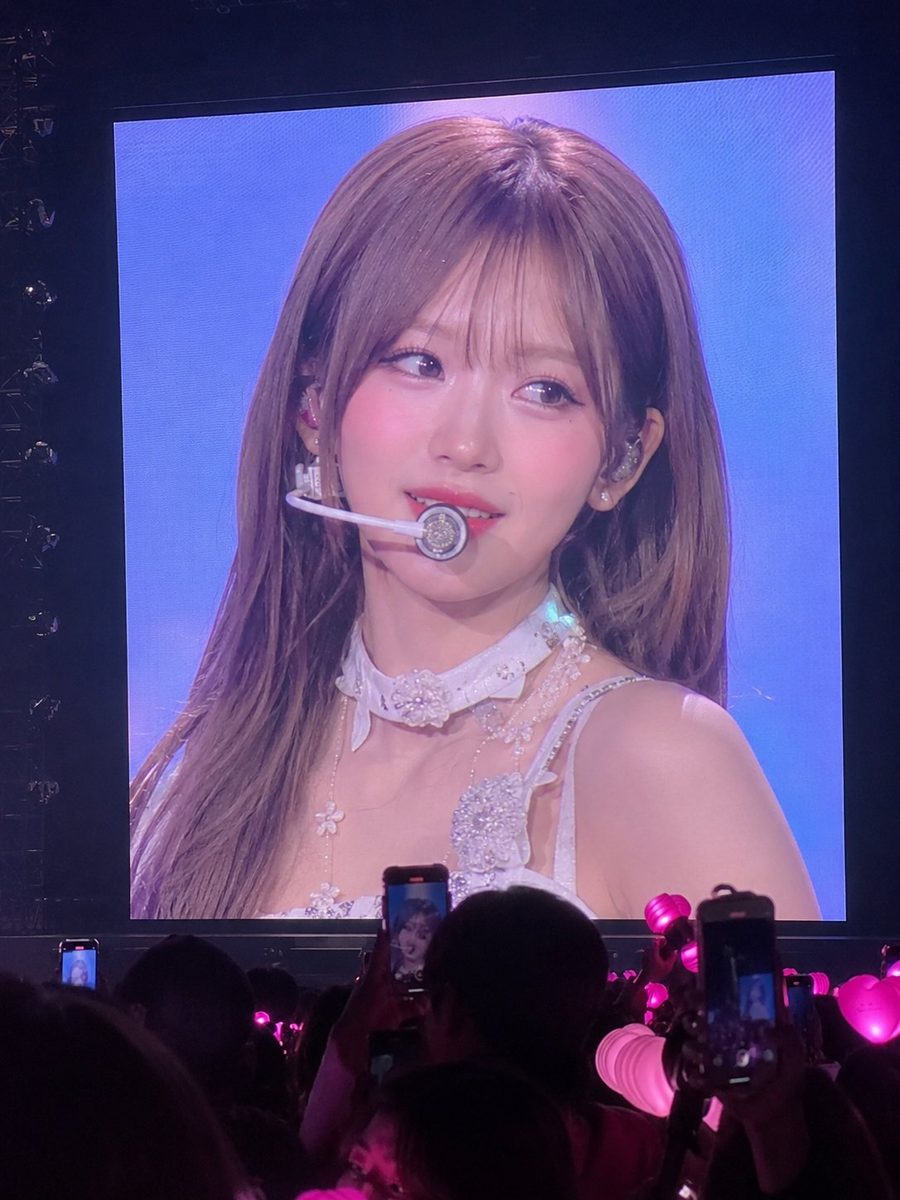
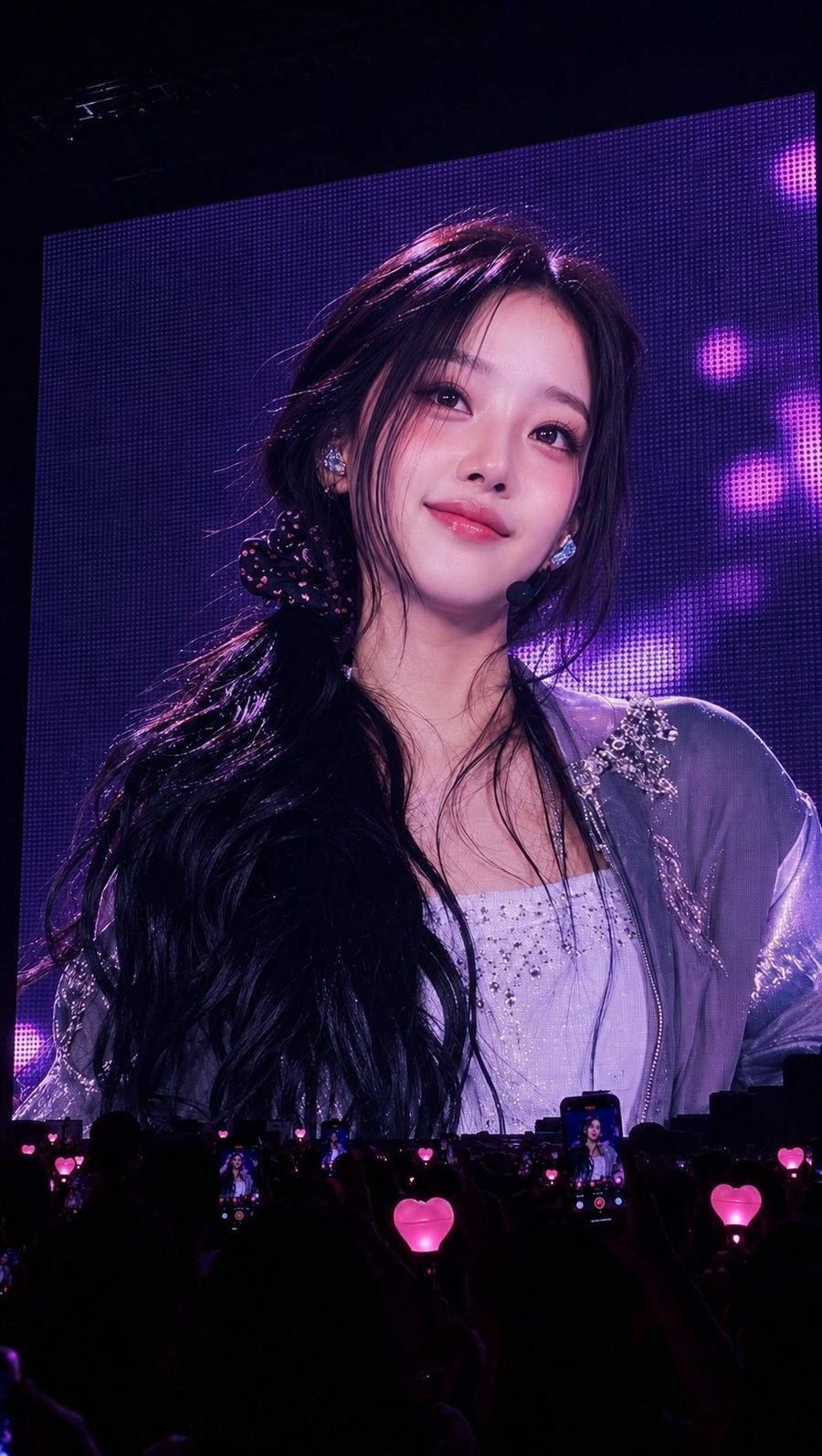
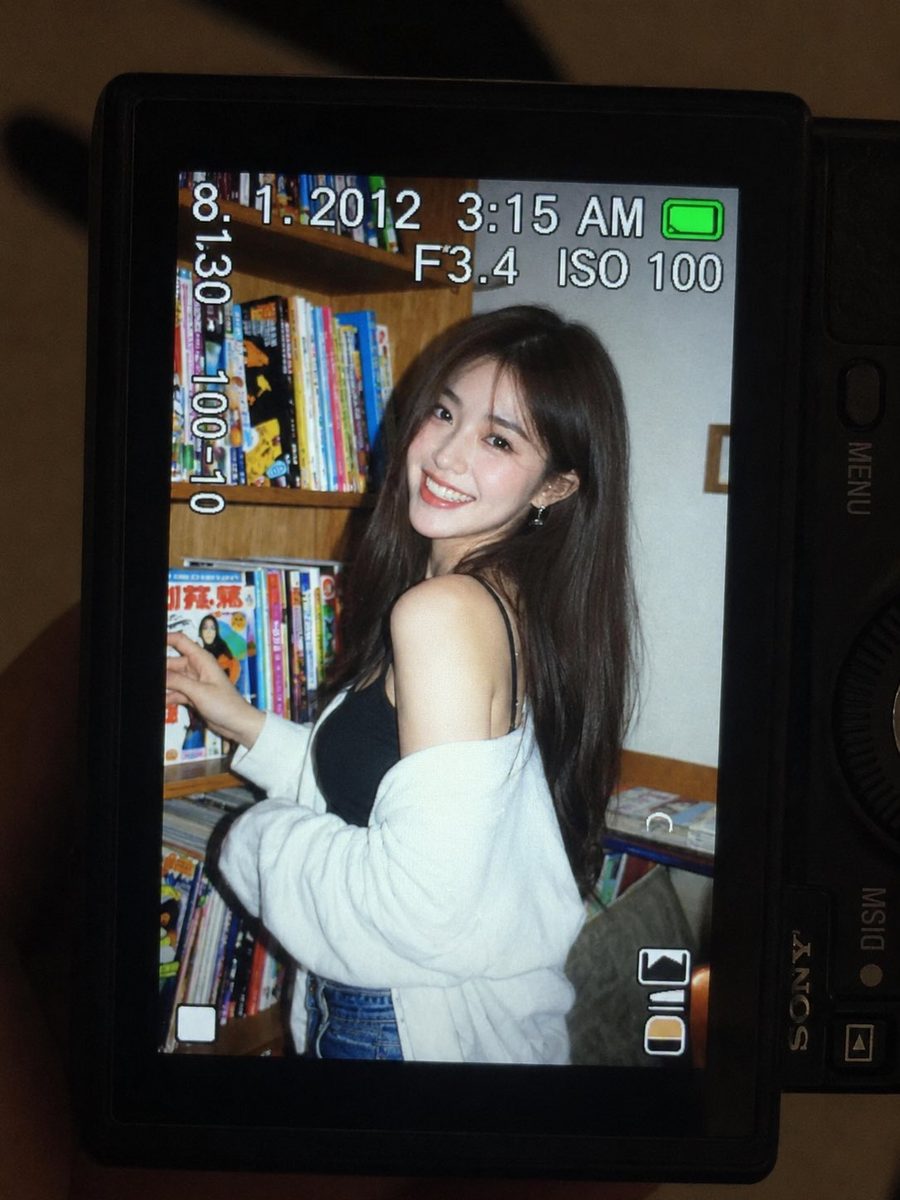
Bonsai Image 4B image workflow

Bonsai Image

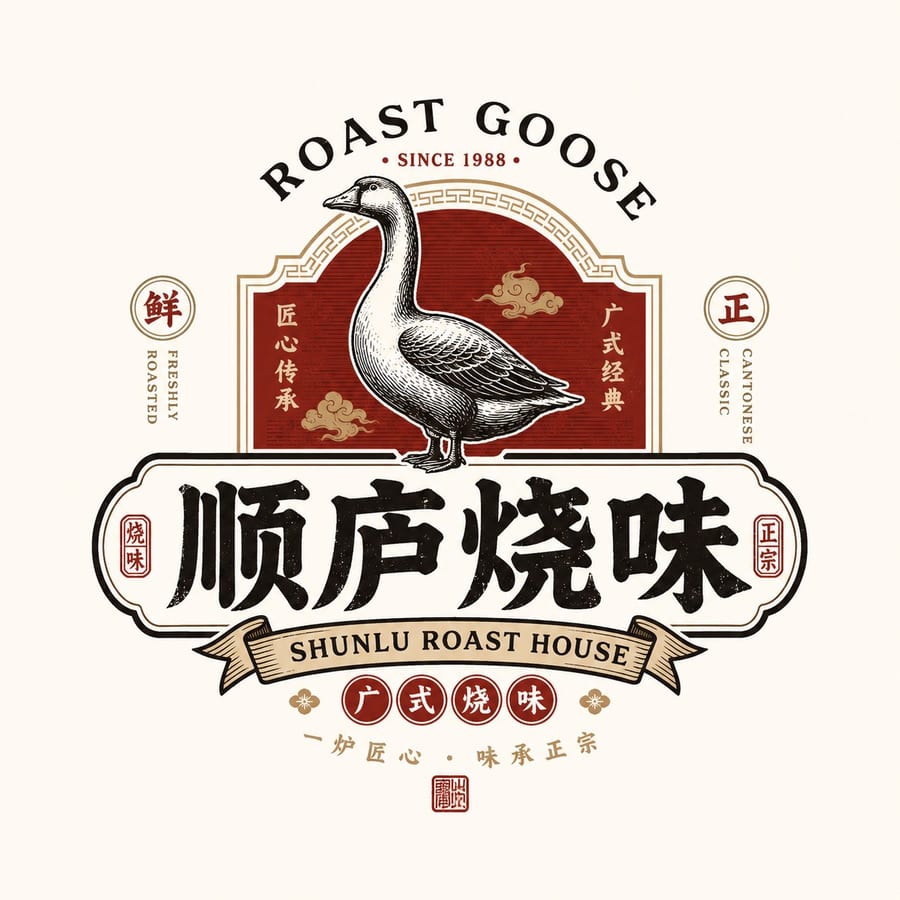
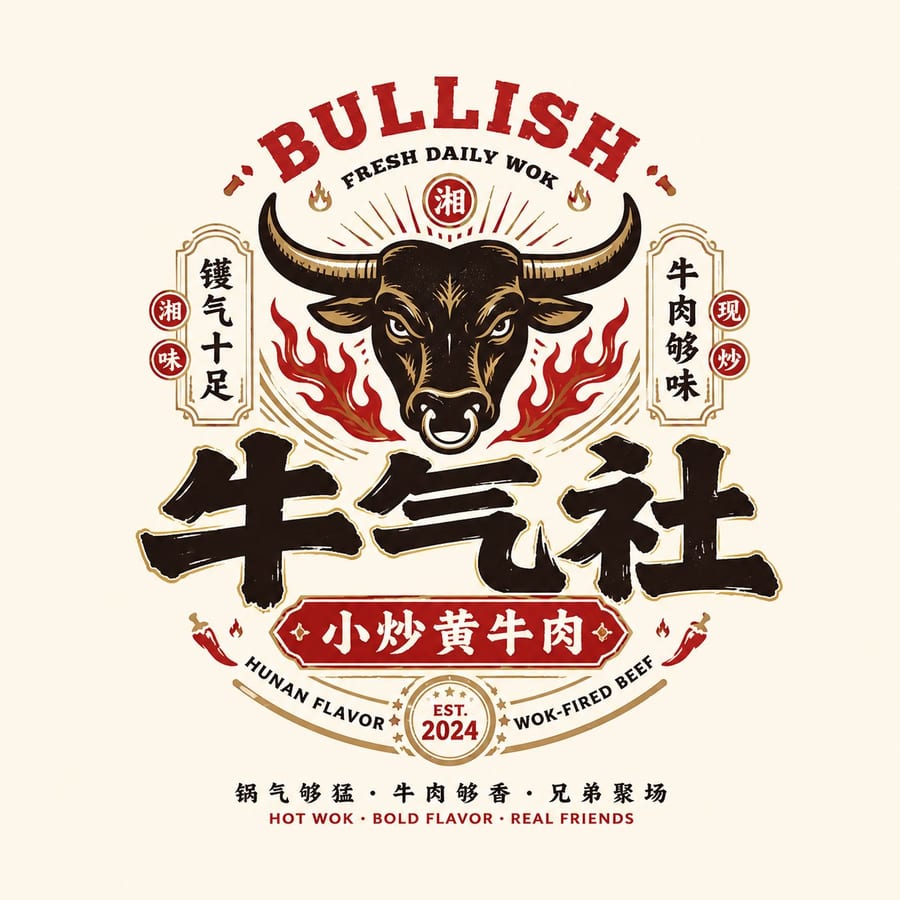
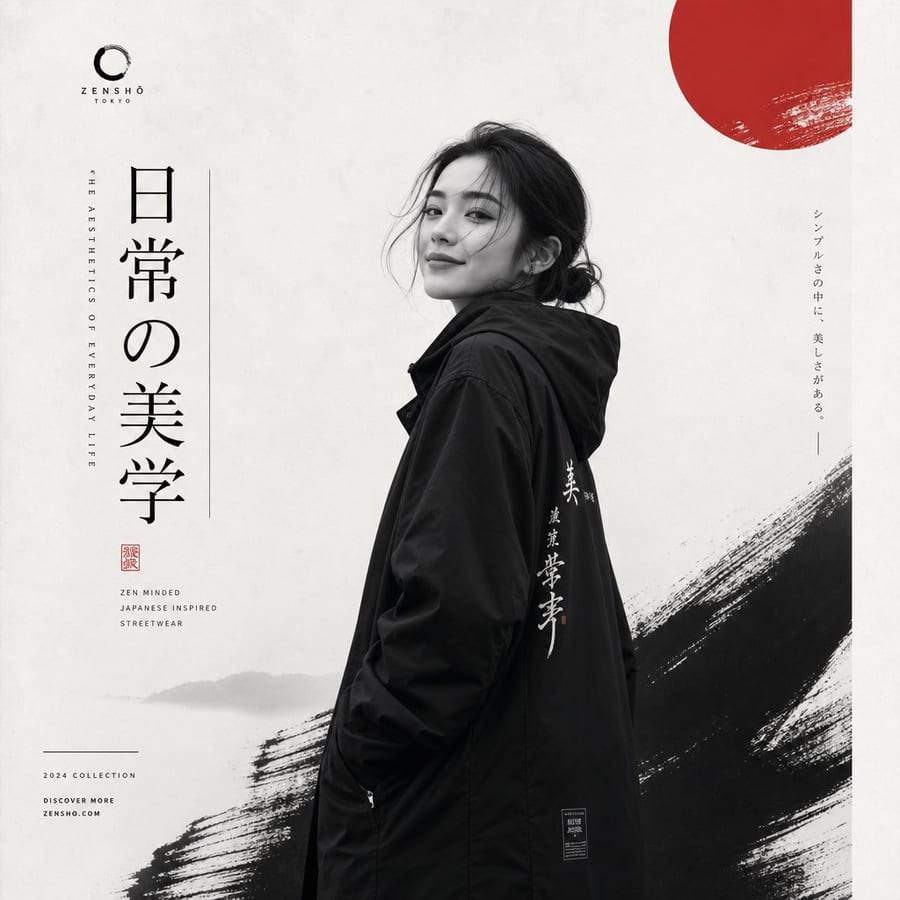
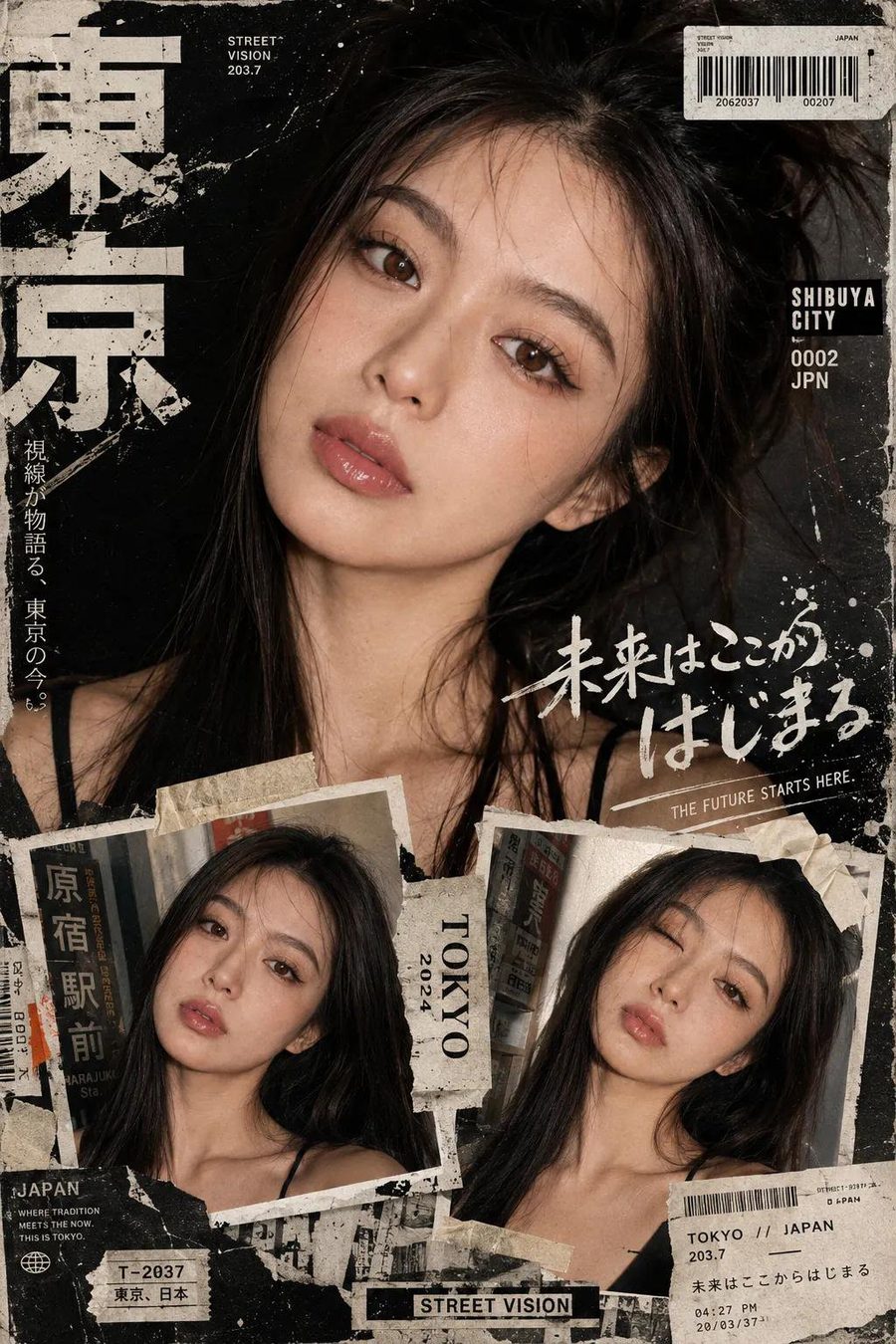
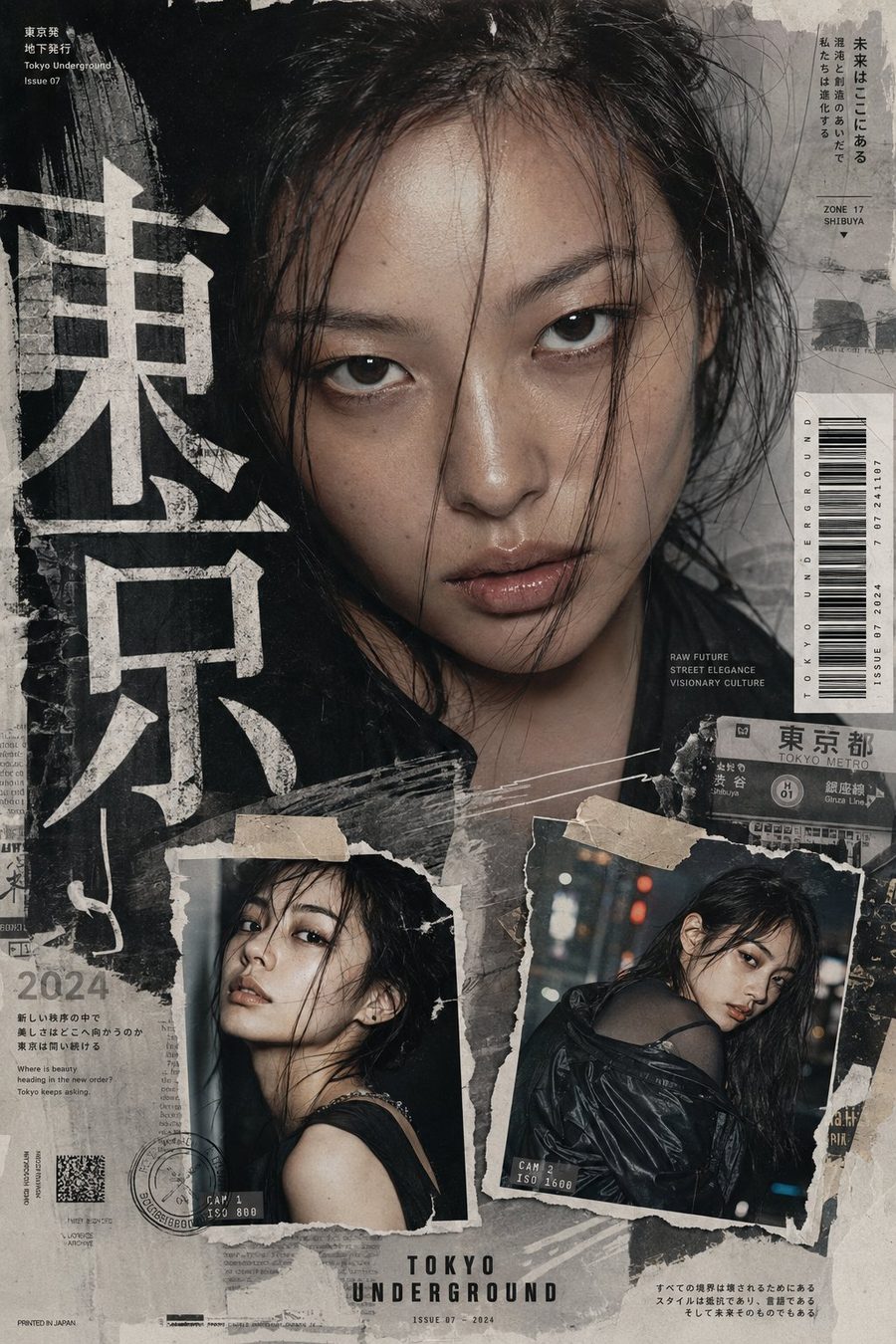
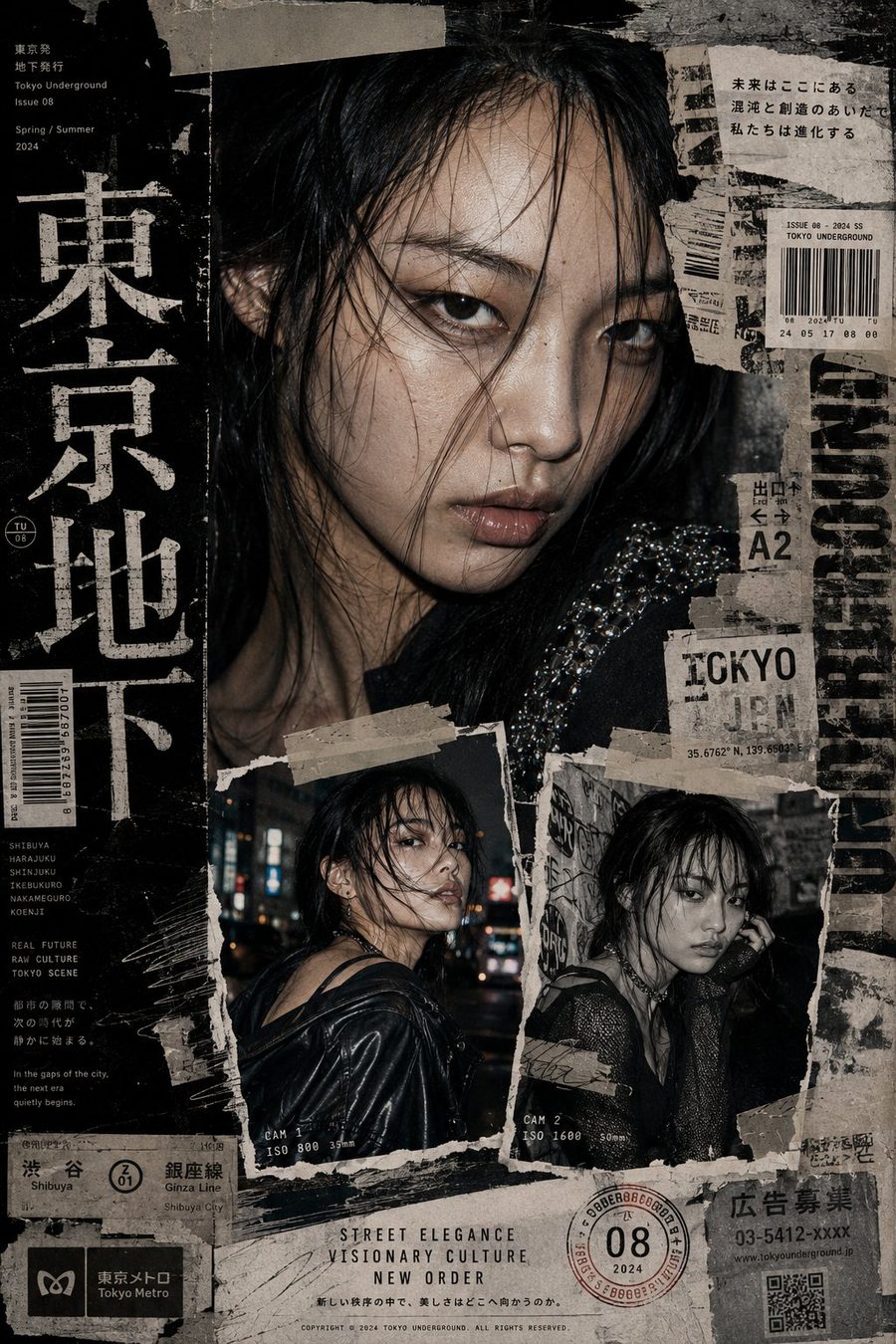
Generate images from text, edit uploaded references, choose output size and aspect ratio, create clear readable text, then save and download results from bonsaiimage.online.

Bonsai Image dashboard

Create or edit images with Bonsai Image 4B

Ready
Prompt

Text to image. Add reference images when you want image-to-image editing; leave them empty for pure text-to-image generation.

Reference images

Optional. Upload up to 4 images for editing or style/reference guidance.

Resolution
Aspect ratio
Images
Format
Thinking

Limited-time 50% off

Bonsai Image preview

Generated image result

Idle
Preview

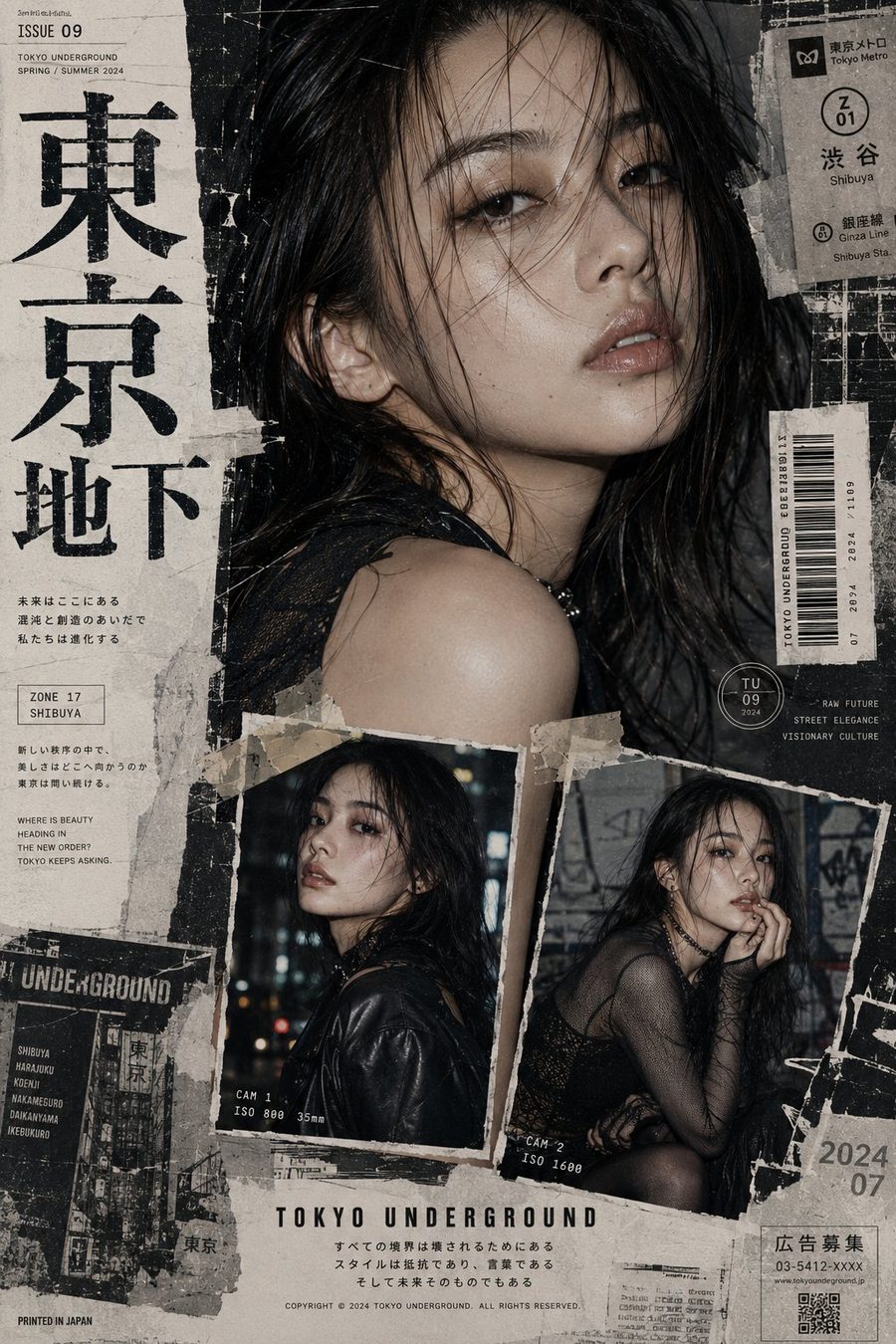
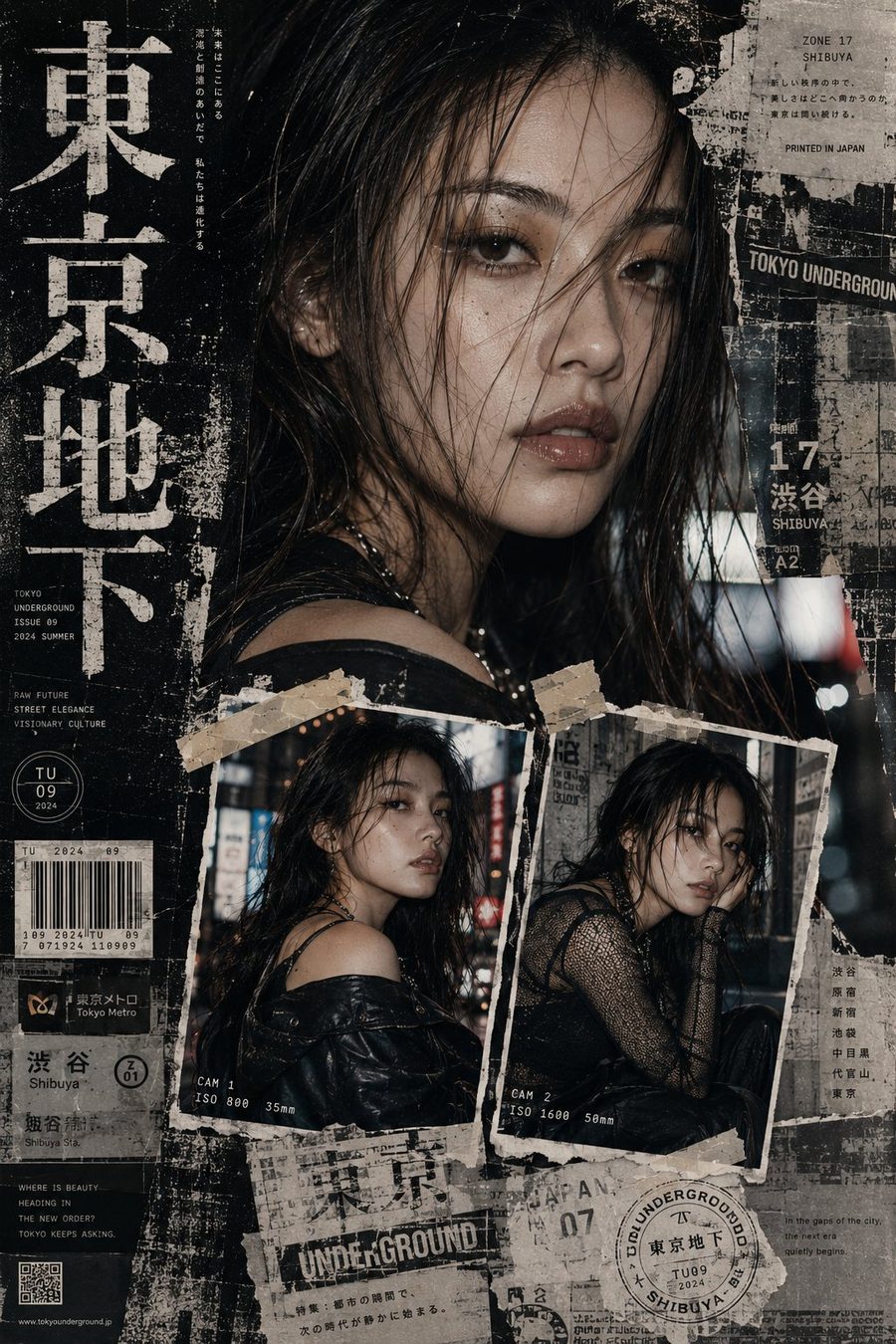
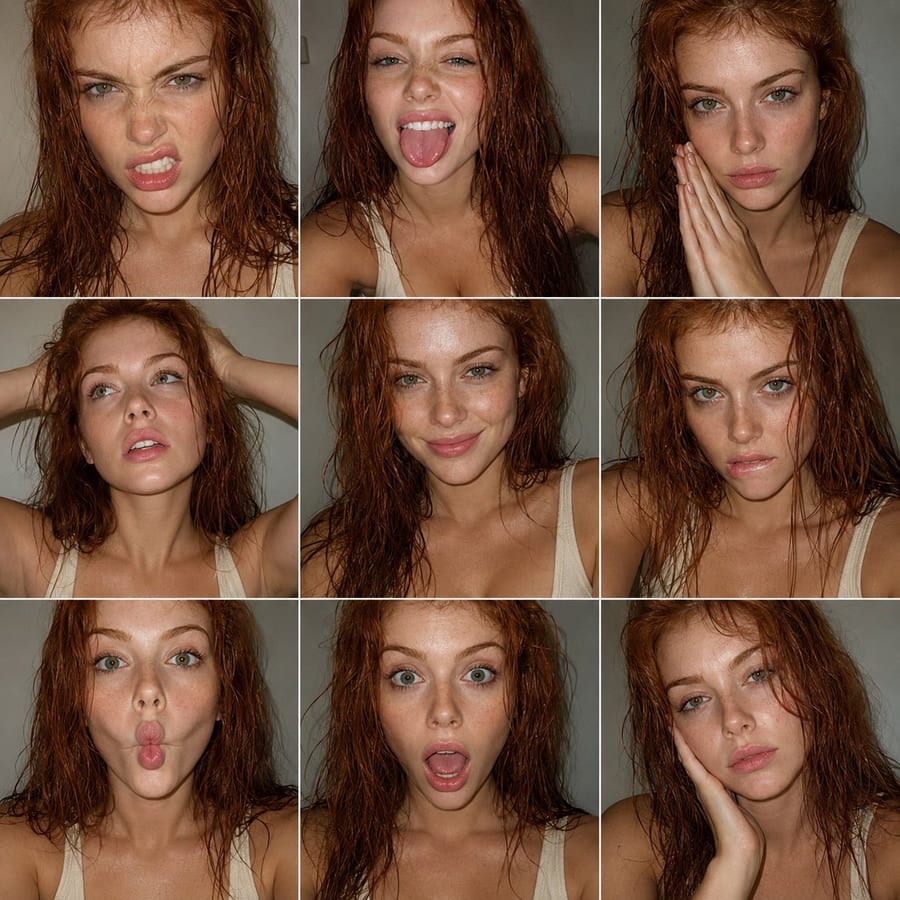
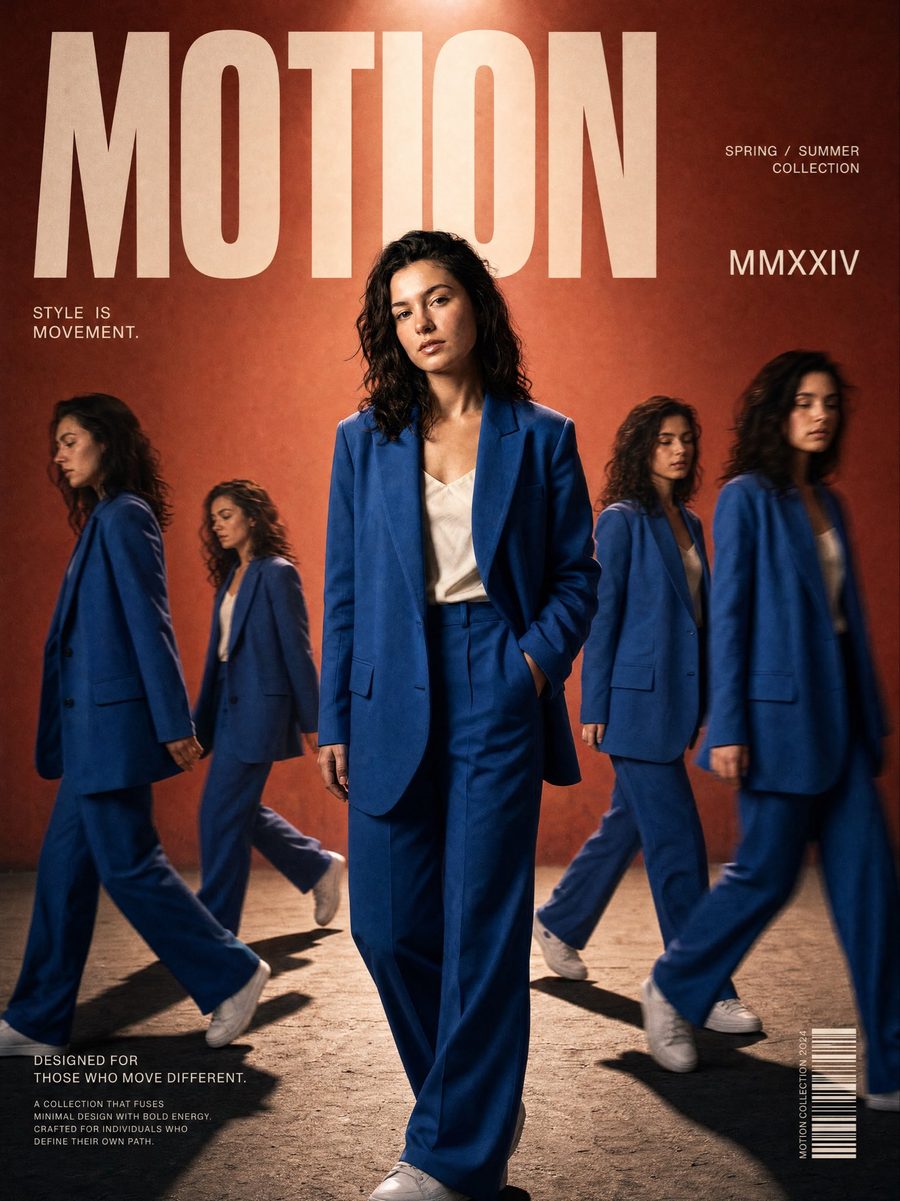
Results will appear here after generation. Browse a few sample directions while your prompt is still taking shape.

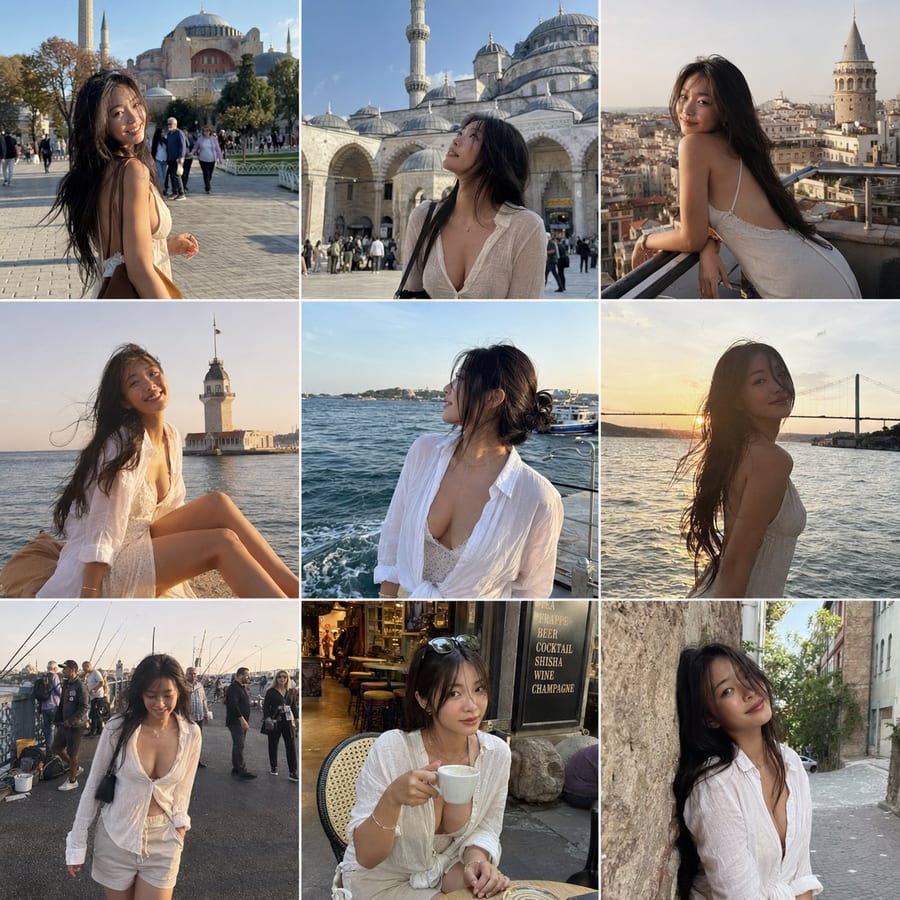
Istanbul travel 3x3 Instagram feed grid: Bonsai Image sampleTravel gridIstanbul travel 3x3 Instagram feed grid

Overview

What is Bonsai Image?

Bonsai Image is a focused AI image generation and editing dashboard. Start with a prompt, optionally add reference images, and generate outputs with clear credit pricing.

The dashboard handles uploads, prompt input, resolution, aspect ratio, output count, queue tracking, R2-backed result storage, and generation history.

Use Cases

What creators make with Bonsai Image

OK

Launch Offer Save 50% with annual Bonsai Image billing

Basic

Ideal for hobbyists and beginners

$9.90/m

$118.80/year

$238.80Save 50%

12,960 credits/year

1,080 credits/month average

Up to 540 standard 1K images, 360 2K images, or 270 4K images/year

  • Bonsai Image 4B text-to-image
  • Image editing with reference images
  • Clear text rendering
  • Standard generation speed
  • No watermark
  • Private generation
  • Customer support
  • Commercial Use License

Pro

Ideal for power users

$49.90/m

$598.80/year

$1198.80Save 50%

65,760 credits/year

5,480 credits/month average

Up to 2,740 standard 1K images, 1,826 2K images, or 1,370 4K images/year

  • Bonsai Image 4B text-to-image
  • Image editing with reference images
  • Clear text rendering
  • Fastest generation speed
  • No watermark
  • Private generation
  • Expert team support
  • Commercial Use License

Features

Key Bonsai Image features

TE

Text to image

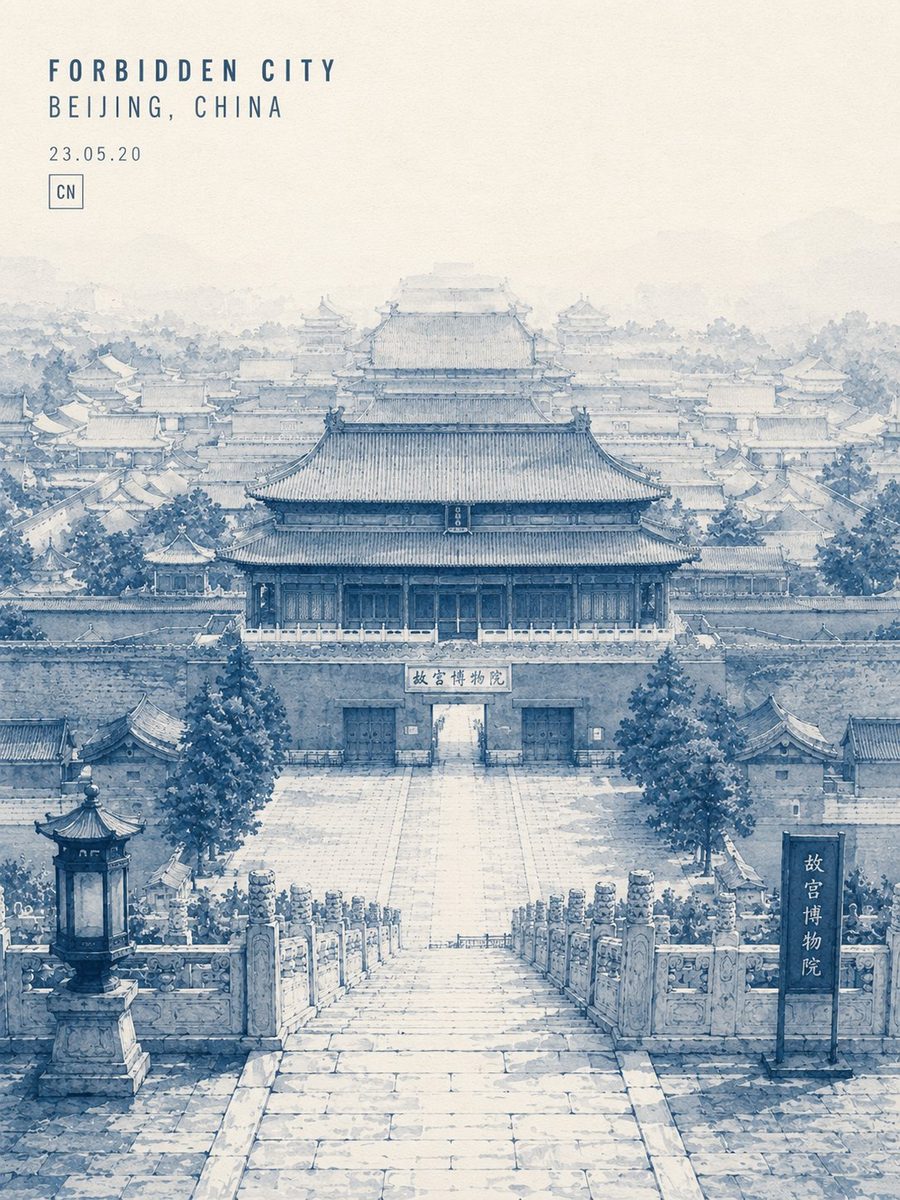
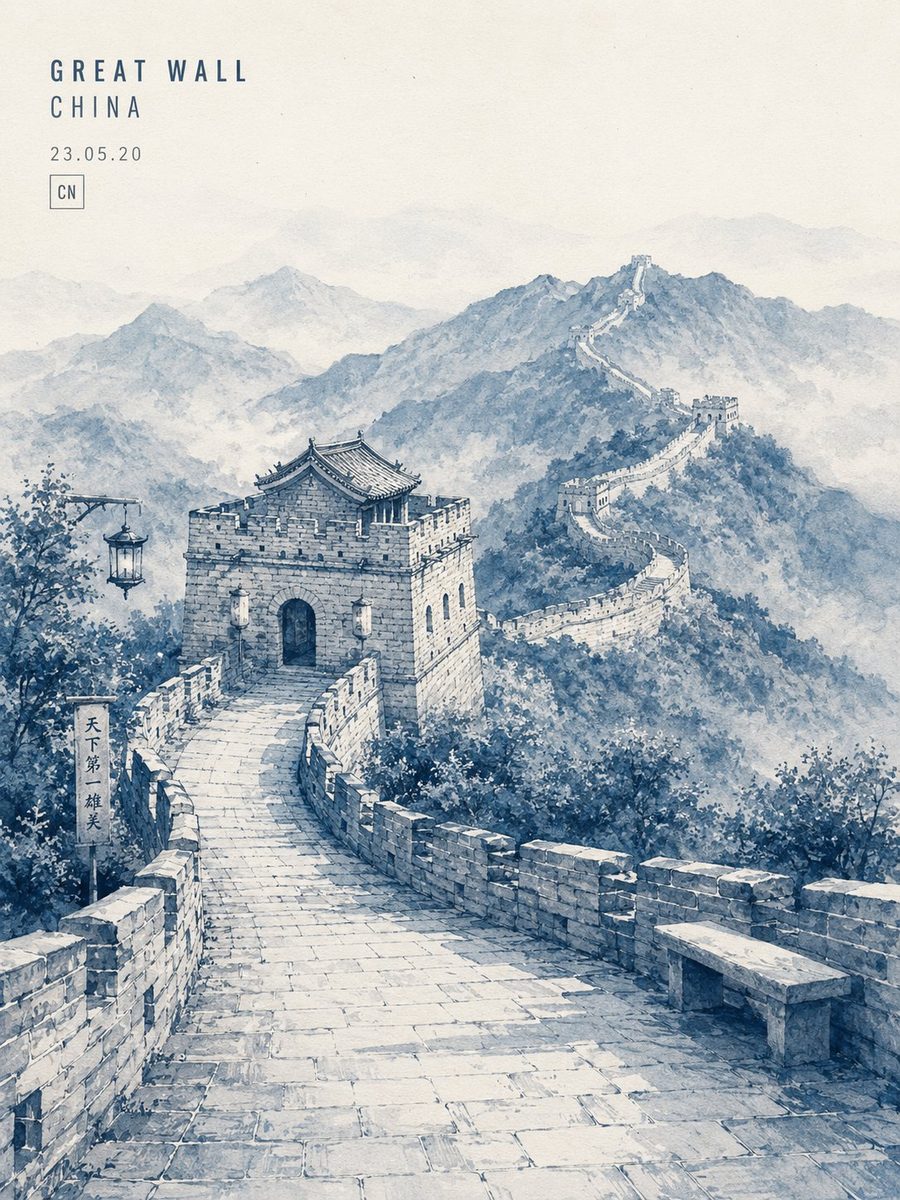
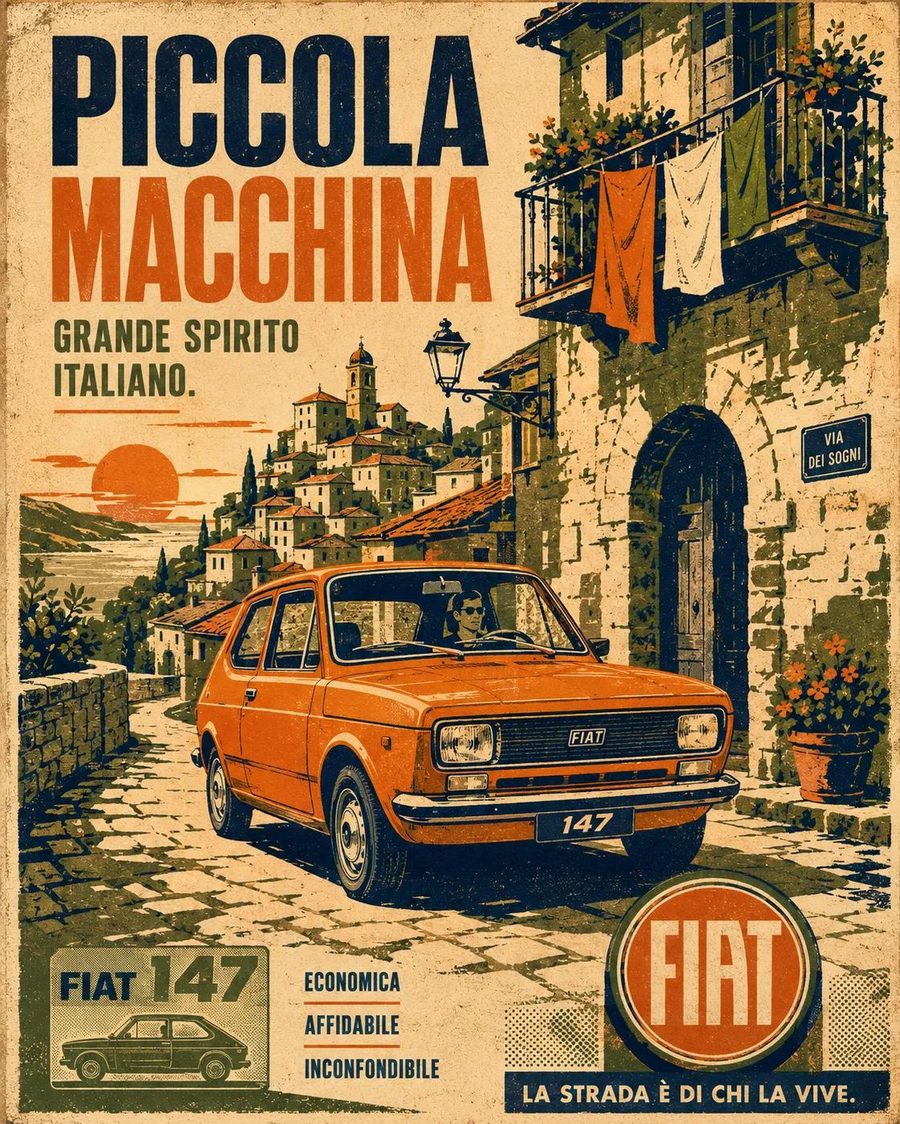
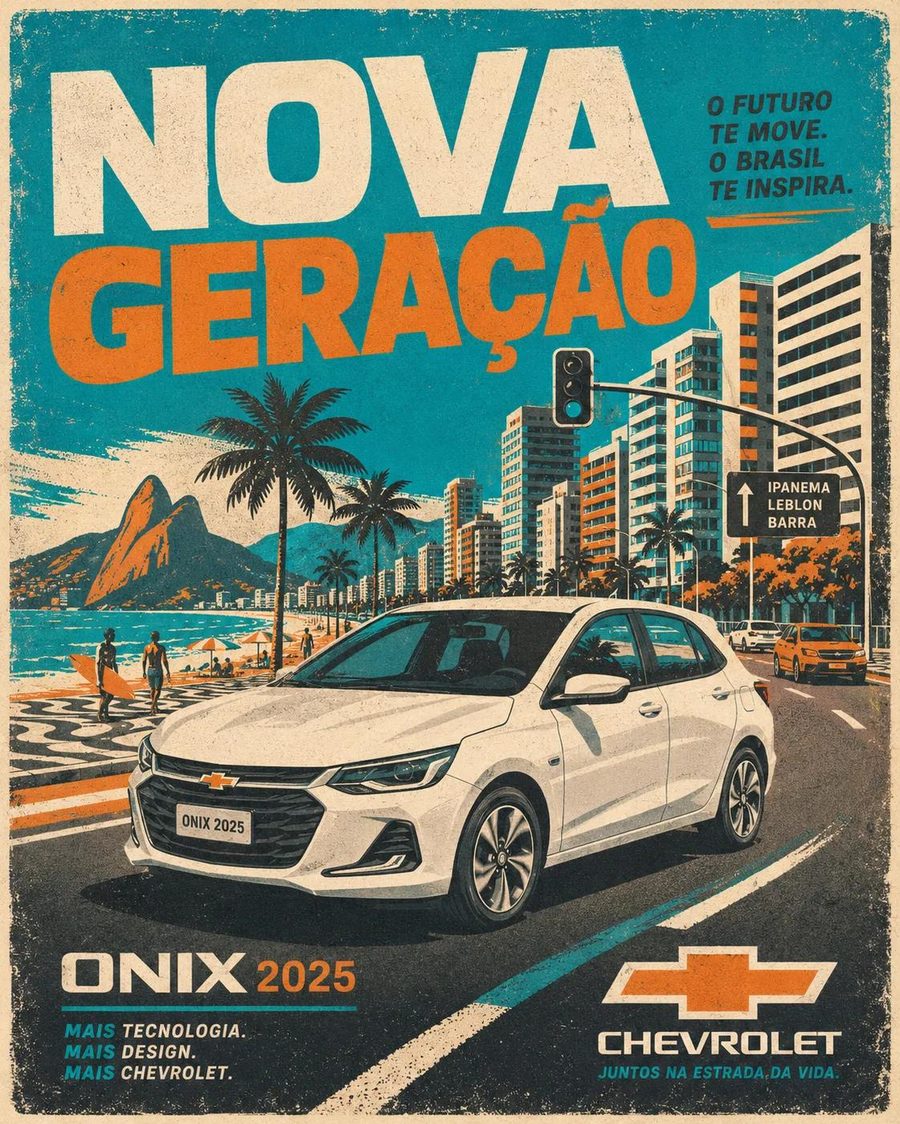
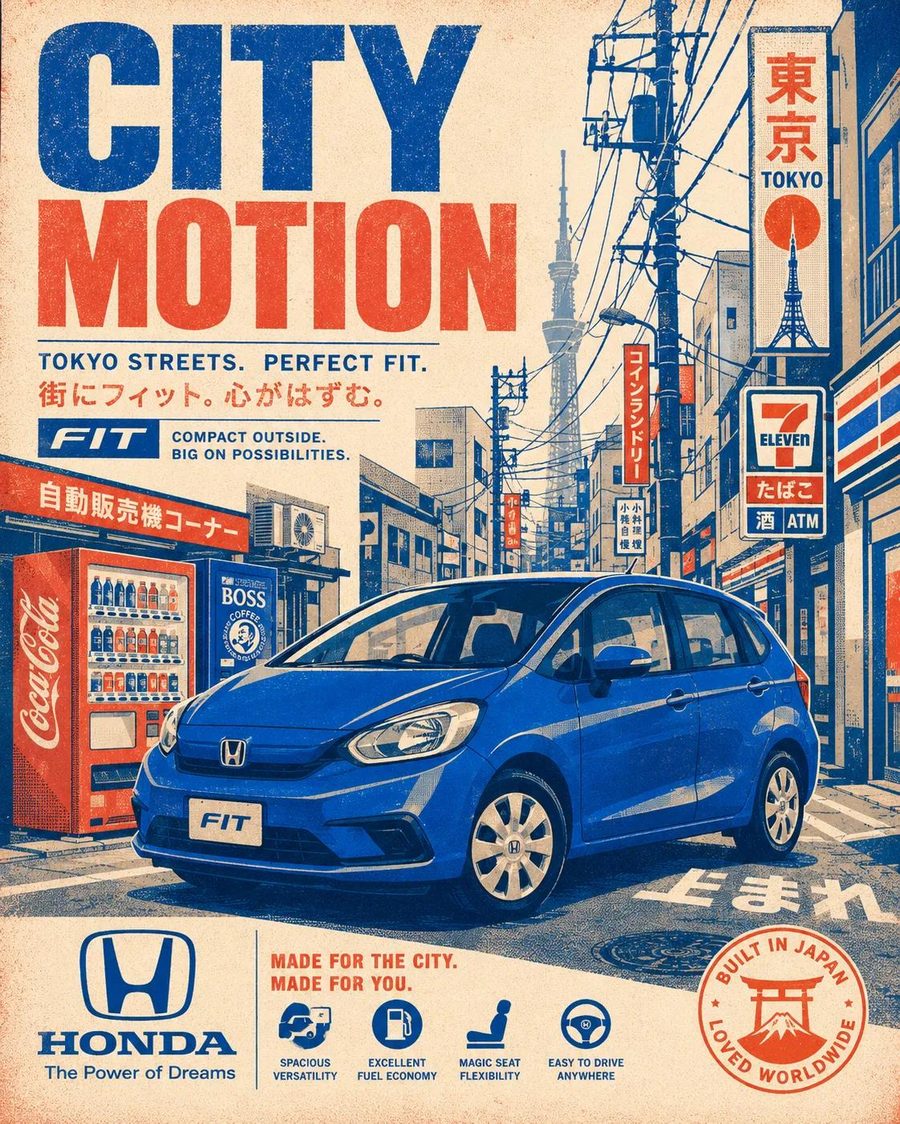
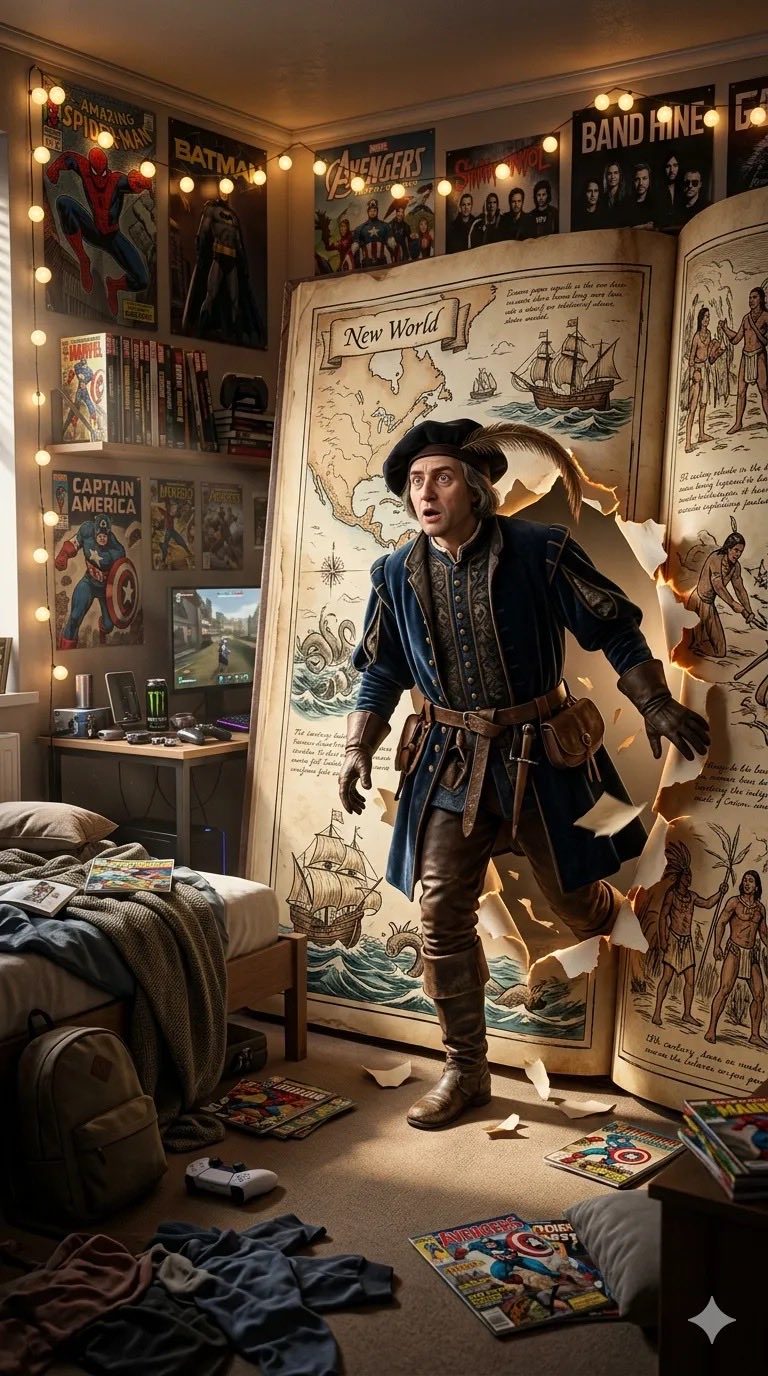
Describe an image and generate Bonsai Image 4B outputs in 0.5K, 1K, 2K, or 4K.

CL

Clear text rendering

Create images with crisp lettering, readable posters, clean labels, and stronger prompt fidelity.

IM

Image editing

Upload up to 4 reference images and use a prompt to transform, restyle, or extend them.

FL

Flexible sizes

Choose auto, square, portrait, landscape, wide, tall, and extreme aspect ratios.

BA

Batch outputs

Generate 1 to 4 images in a single task, with transparent credits shown before submission.

SA

Saved history

Successful images are stored in R2 so users can revisit and download previous results.

CR

Credit workflow

Subscription credits are used first, permanent credits never expire, and new users receive 48 free credits.

Workflow

How the Bonsai Image workflow works

01

Write a prompt

Start from text alone, or describe the edit you want to apply to reference images.

02

Choose output options

Pick resolution, aspect ratio, output count, format, web search, and thinking level.

03

Generate and download

Track the queue, review generated images, and download saved results from history.

Generation Goals

Common Bonsai Image tasks

Focus

Generate clean product visuals from detailed prompts.

Focus

Edit existing images with uploaded reference images.

Focus

Create 4K final images or quick 0.5K drafts.

Focus

Use web search when a prompt needs current visual context.

Focus

Generate clean product visuals from detailed prompts.

Focus

Edit existing images with uploaded reference images.

Focus

Create 4K final images or quick 0.5K drafts.

Focus

Use web search when a prompt needs current visual context.

FAQ

Frequently asked questions about Bonsai Image

What is Bonsai Image?

Bonsai Image is an AI image generation and editing dashboard powered by Bonsai Image 4B.

Can I use both text and images?

Yes. Use text alone for text-to-image, or upload reference images to switch into image editing mode.

What output sizes are supported?

The dashboard supports 0.5K, 1K, 2K, and 4K outputs, plus a wide range of aspect ratios.

How do credits work?

Credits are based on resolution, number of images, and optional add-ons. Subscription credits are used first, and permanent credits never expire.

Do generated images get saved?

Yes. Successful Bonsai Image generations are copied to storage and shown in generation history.

Start Now

Open the Bonsai Image generator.

Write a prompt, upload optional references, choose image settings, and download the result from one dashboard.